How to use it

Here are the instructions on how to use our module to allow you to certify your files:


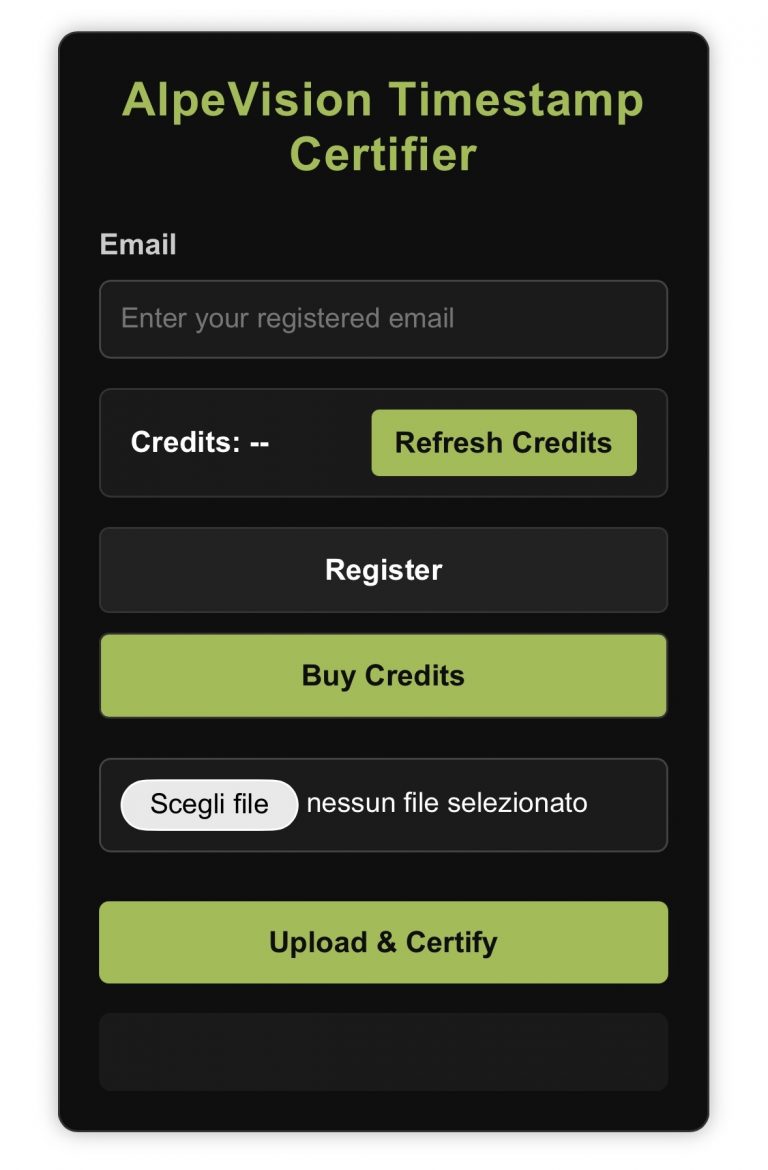
First you must be registered on www.alpevision.shop and have a positive ALPEVISION-TIMESTAMP credit balance, so if you need to register on alpevision shop click here and after to use the form you must have previously purchased the timestamp credit package from our shop on www.alpevision.shop and if you have not yet done so, click here or on the image to the side.


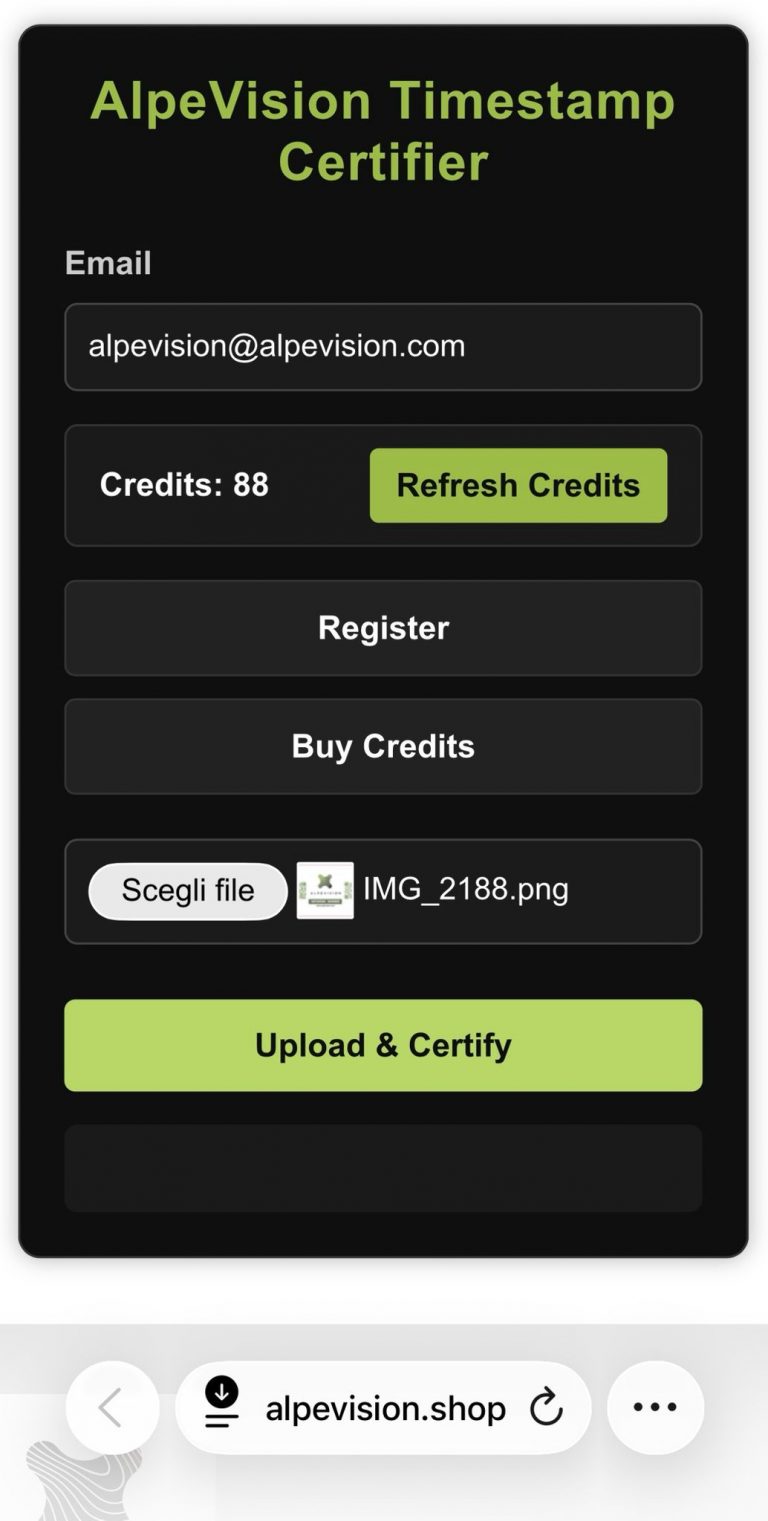
Once logged in as a user of our websites and in possession of ALPEVISION-TIMESTAMP credits, access the certification form by clicking here.


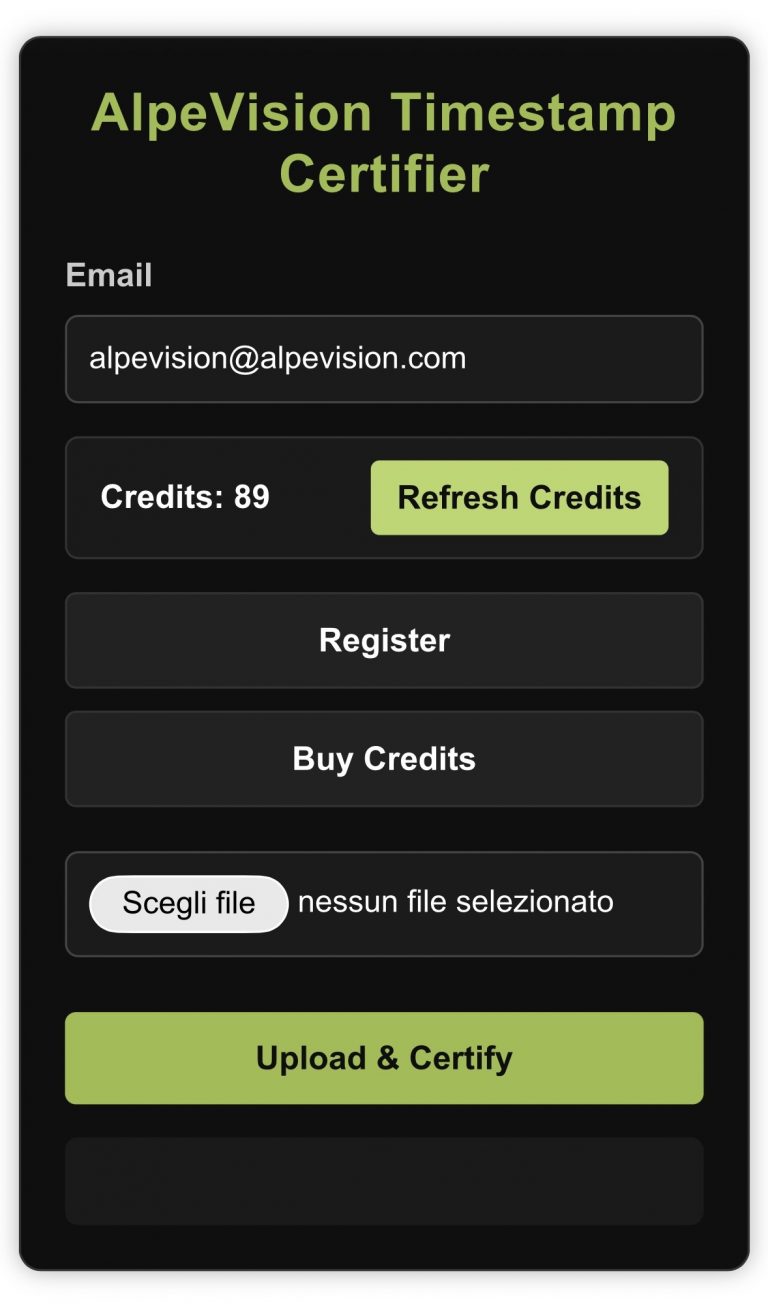
In the space reserved for e-mail, enter the e-mail address with which you registered on our websites.


Click on the Refresh Credits button and wait a few seconds to see your credit balance.


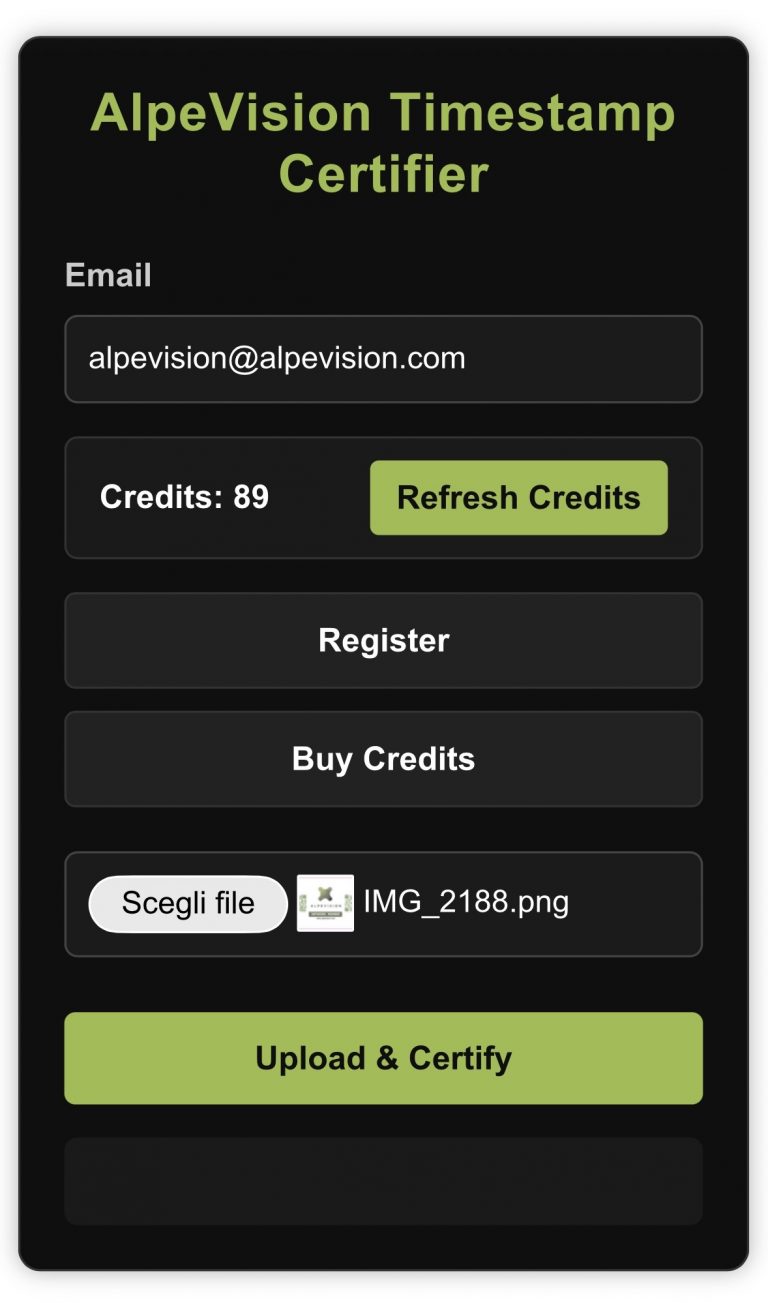
Click “Scegli file” to choose file to upload files from your image gallery. Once selected you will see it appear next to the button.


Now press Upload & Certify to start the process, the time may vary depending on the connection and file size for photos and short videos.


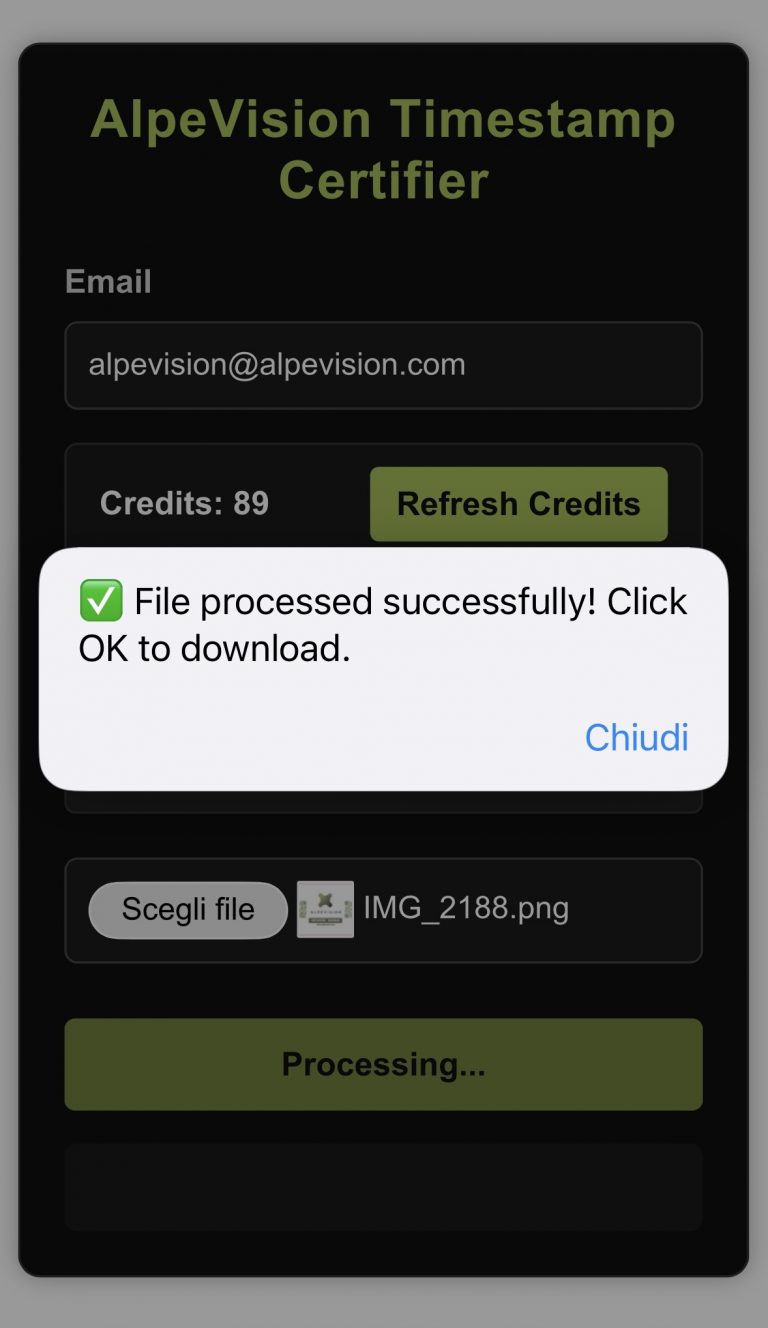
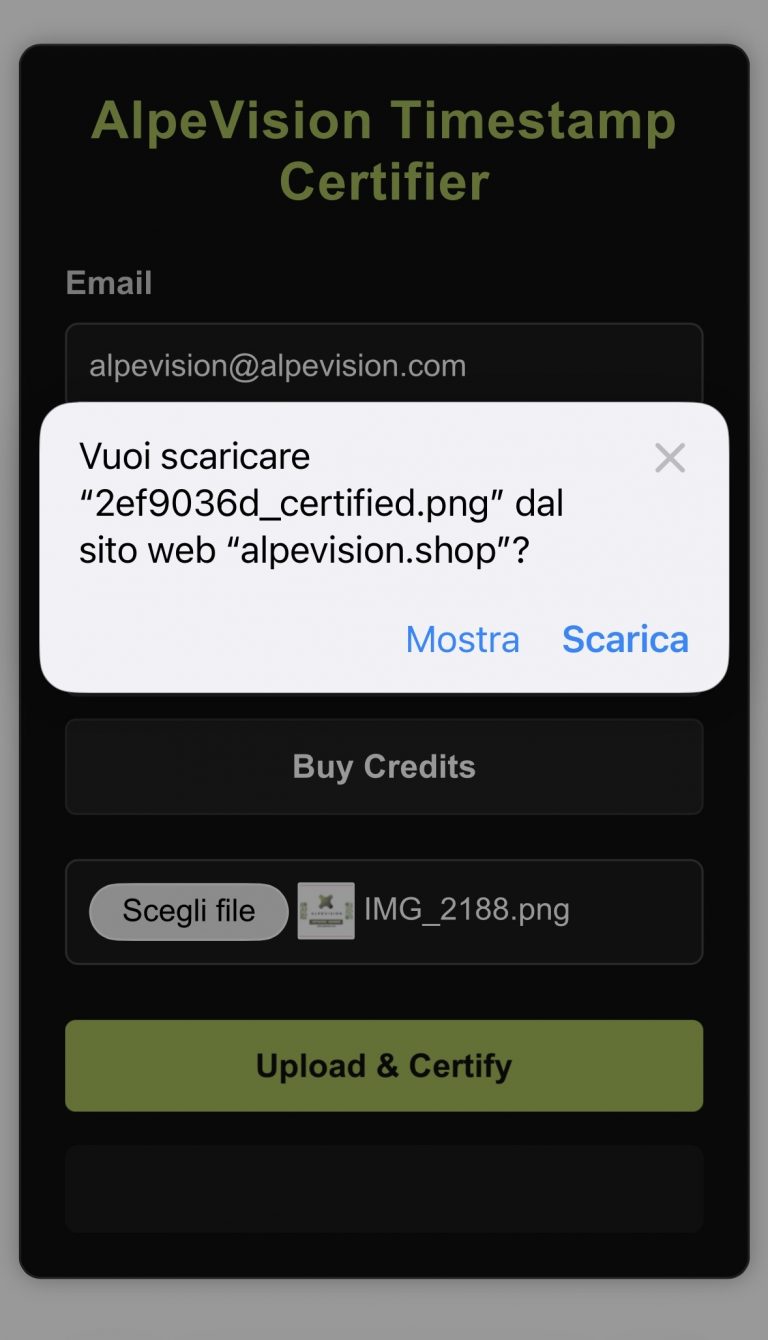
When the file has been processed by our system you will see this message, click on closeChiudi” and the download process will start on your device.


(The file working process on our system is for only 10 minutes after uploading and no data will be retained, hurry to download it in time). The data, images and videos you enter on our system are processed and not stored or even retained; after the expected processing time the software will delete them.The responsibility, correctness, lawfulness, truthfulness and observance of the laws in force regarding the files and data uploaded by you in accordance with the law are and remain your responsibility.


Accept to download the file to your device from alpevision.shop by pressing “Scarica” Download. (Recommended).


Or view it by pressing “Mostra” Show (View only).


The system will automatically deduct a credit from you.


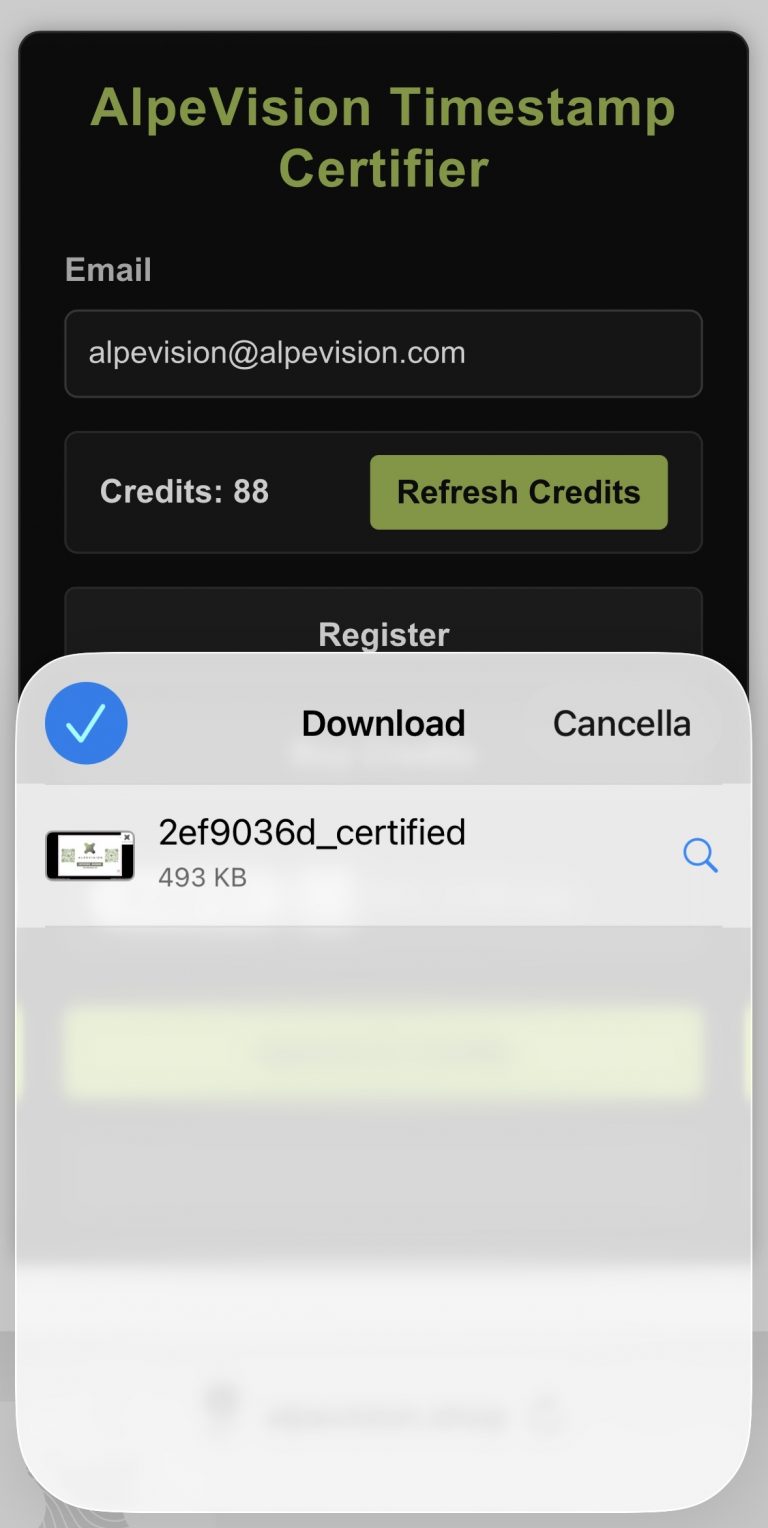
You will find the processed file in the Downloads folder of your device, for example on a mobile phone you will be able to see an arrow at the bottom of the navigation bar, or check in the library or on downloads if you are connected from a computer.


From there you can view it and use it as you see fit. To publish it with your email superimposed and the certification that you uploaded it on that day and at that time branding it AL.PE.VISION; to send it to one of your clients to confirm that you have done a job and request payment; or for leisure.
 
 
And here is your file branded with the AL.PE.VISION logo, your e-mail superimposed and the UCT day and time certification given by the internet.
SHOPPING BAG 0